Hoag Physician Partners
- Network & Onboarding
- Operations & Processes
- Performance & Quality
- News & Events
- EpicCare Link
EpicCare Link - Contracted Vendors
What is EpicCare Link
EpicCare Link is Epic’s web-based application for connecting Hoag to community practices. Through EpicCare Link, community users will be given secure access to patient information in the Hoag Epic data repository. EpicCare Link allows Hoag to extend patient information to external facilities and improve the continuity of care in our community.
With EpicCare Link, your office will have access to:
Securely review referred and admitted patients’ medical records
Submit and view orders, referrals, and authorizations
View claims status and remittance advices
Review clinical documentation to assist with billing and reconciliation
Upload documents into patient’s Epic chart
Receive automated messages through InBasket regarding authorizations, labs, appointments, and more
FAQ for EpicCare Link for your convenience.
If you already have Hoag’s EpicCare Link login and password, login with your Hoag provided credentials here.
If looking to request access, please reach out to your site administrator for access.
If you are having login issues or have any additional questions, please contact us at HPP.Providers@hoag.org or via phone at 949-791-3502.
Please review the self paced training videos below to provide additional information for using Hoag’s electronic medical record portal.
Video knowledge include information for:
Site Administrators actions and procedures
Patient information and filing
Secure messaging
Submitting and viewing authorizations
Viewing claims
Using the Customer Service Request form- and much more!
For any questions, please email us.
Requesting a New Site EpicCare Link Account
The initial request should be submitted for the site administrator for the new site. Once the site administrator receives their login information, all subsequent user requests will be submitted through the site administrator's account.
First-time organizations can sign up using either of the following options:
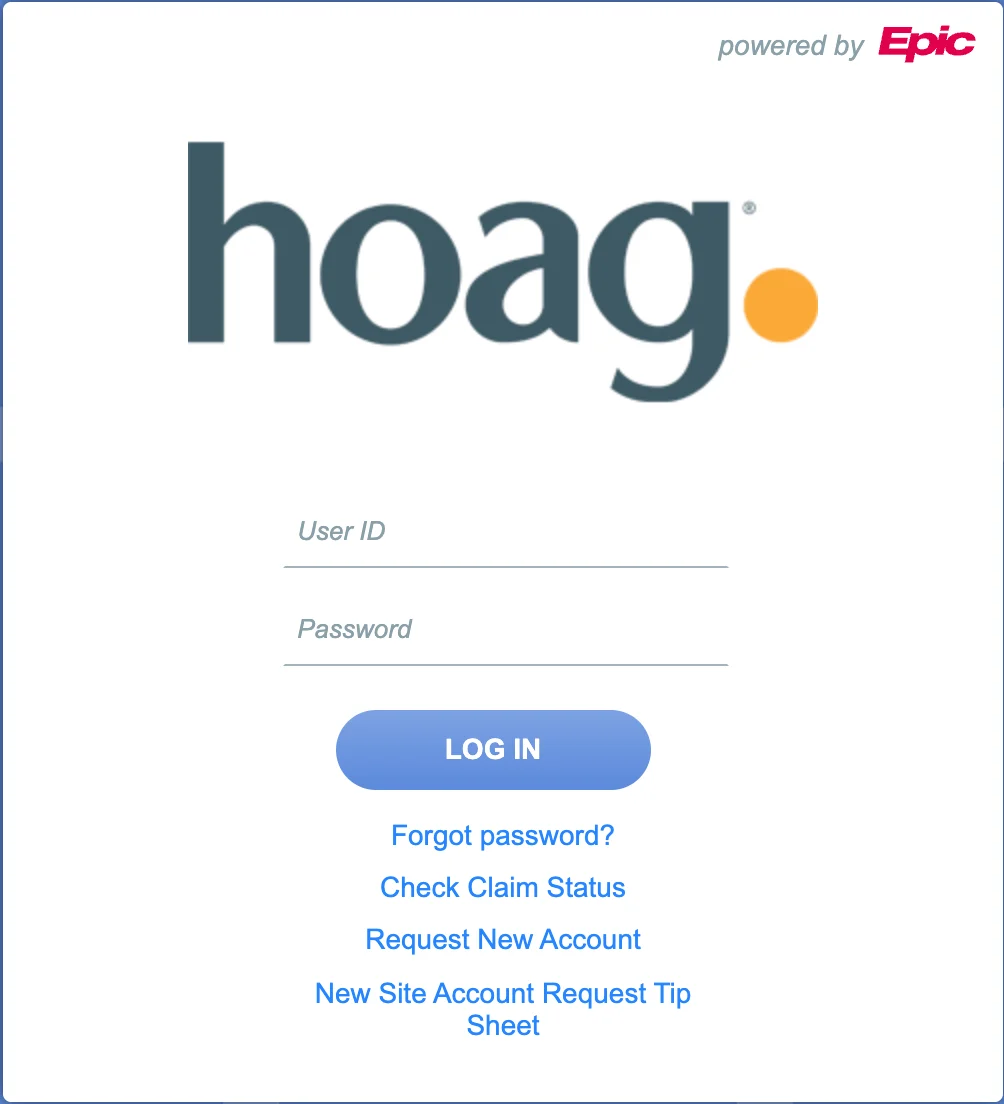
Enroll through EpicCare Link New Account Request: Please refer to the Tip Sheet, which can also be found at the following site: https://carelink.hoag.org/EpicCareLink_PRD/common/epic_login.asp
OR
Follow these two steps:
Step 1: Enroll your organization by contacting HPP.Providers@hoag.org
Step 2: Complete the required EpicCare Link forms, which can be downloaded below.
**The organization must have a site administrator. They handle site verification, user requests, and password support. More than one administrator can be assigned if needed.
Site Administrator Additional Responsibilities: • Requesting new user accounts • Deactivating accounts for users who no longer need access • Resetting passwords • Performing quarterly site verification
Once the EpicCare Link Team receives the completed agreement forms, they will notify the Site Admins of the outcome.
Adding New Users to an Existing Site
New user requests must be submitted by the Site Administrator along with a completed and signed User Agreement.
Site Administrator Instructions:
Log into EpicCare Link: https://carelink.hoag.org/EpicCareLink_PRD/common/epic_login.asp
Navigate to Admin > Account Requests > Request New Account
Select the appropriate template type and attach the signed User Agreement. The user is responsible for completing their portion of the form, and the site administrator must sign page 2 as the security authorizer.
Forms
Site Administrator Responsibilities (required if you are requesting an additional site administrator)
Important Reminders:
Site Administrator – Required Forms
Data Access User Agreement
Site Administrator Responsibilities Agreement
New User Requests: Required Forms
Data Access User Agreement
The site administrator must sign Section III of the Data Access User Agreement and submit the request through their EpicCare Link account.
Organization Requirements:
Every organization must sign one Hoag Data Sharing Agreement.
Each organization must have at least one Site Administrator, who is responsible for:
Requesting new user accounts
Deactivating accounts for users who no longer need access
Resetting passwords
Completing quarterly site verification
Login Issues:
If you have received your credentials but are unable to log in to Hoag EpicCare Link, please contact your site administrator before reaching out to HPP.Providers@hoag.org
Questions:
For additional assistance, email HPP.Providers@hoag.org.